


Platform Basic Settings & Activation
Customize the Crypex infrastructure identity and toggle core system features. This section allows you to align the platform with your brand identity and regulatory requirements without any coding knowledge.
Initial Setup: This is the first section you should configure after installation to ensure correct time-stamping and branding.
Admin Configuration Interface
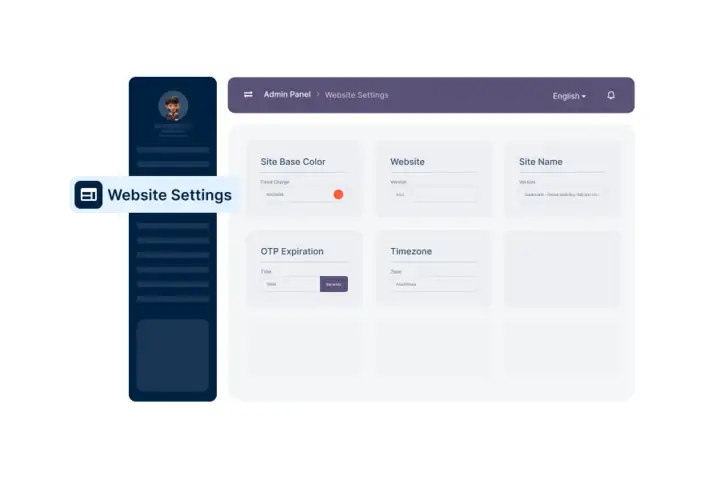
1. Core Configuration Fields
01. Site Base Color
Primary brand color for buttons, highlights, and key UI elements.
02. Secondary Color
Supporting color for backgrounds, borders, and accent highlights.
03. Business Timezone
Critical for transaction logs, OTP expiry, and financial reports.
04. Site Name & Title
Platform name appearing in browser tabs and SEO metadata.
05. OTP Expiration
Validity duration (in seconds) for secure One-Time Passwords.
06. Admin Prefix
Custom URL path for the admin panel (Default: admin).
2. Feature Activation Settings
| Feature Name | Impact |
|---|---|
| User Registration | Toggles public account creation |
| Force SSL (HTTPS) | Enforces encrypted connections |
| Email & KYC Verification | Mandatory compliance for fintech |
| Push Notifications | Real-time user engagement alerts |
| Agree Policy | Forces Terms & Privacy acceptance |
Apply Changes Instantly
Crypex uses a hot-apply system. Once you click the Update button, the settings are synchronized across the Web Backend, User App, and API Layer immediately.
- • No server restart required.
- • No manual .env configuration needed.
- • Global deployment in real-time.